Last reviewed: September 25, 2026
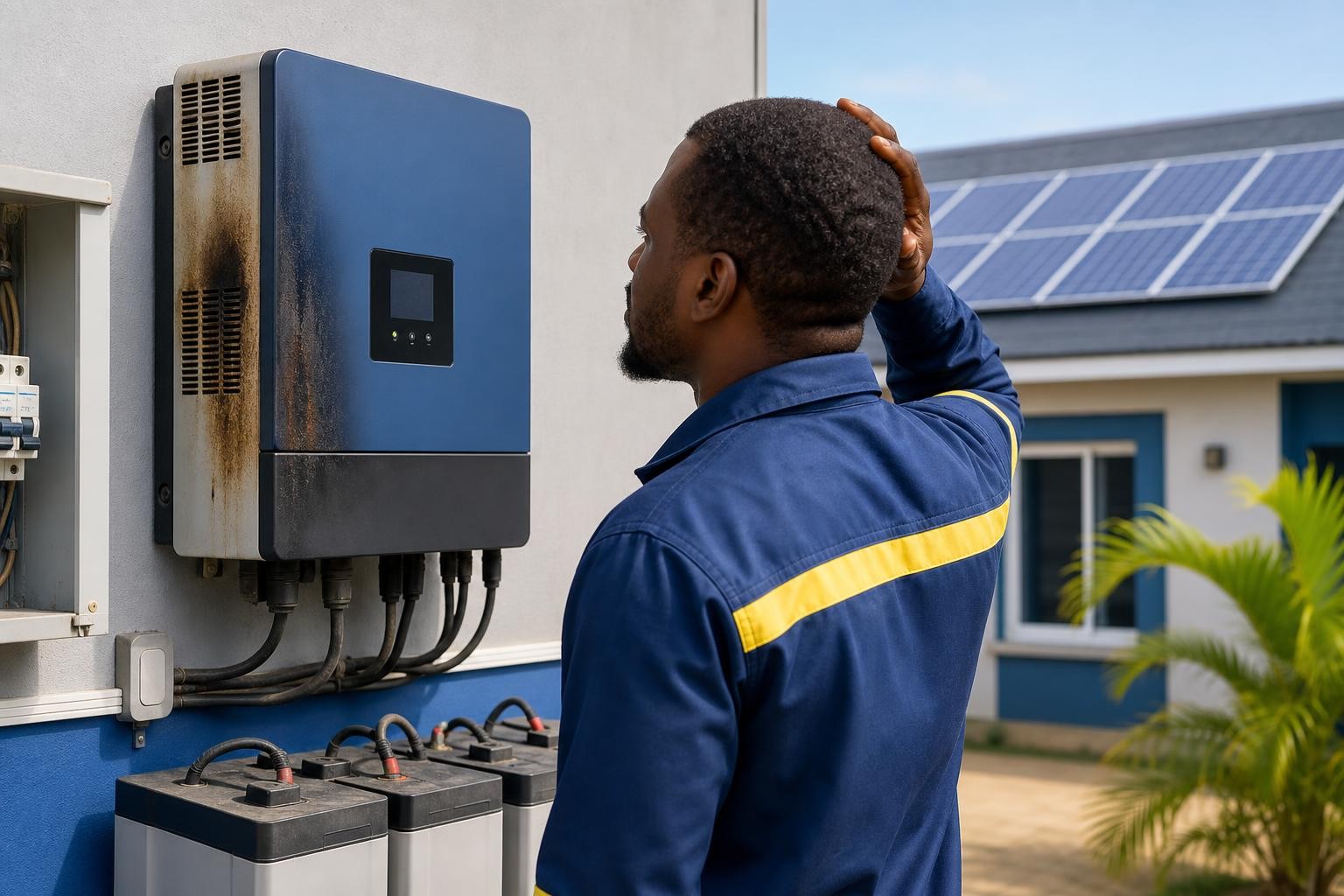
If your solar inverter is showing a high-temperature warning, reducing its output, beeping or shutting down, do not keep forcing it to run. Reduce the load, keep people away from hot or damaged electrical parts, and check from a safe position whether the inverter is in direct sun, boxed in, covered with dust or surrounded by stored items. If the warning returns, the fan is not working, cables are hot, or you notice a burning smell, stop using the system and call a qualified solar technician.
Short answer: Solar inverters commonly overheat because of high ambient temperature, heavy sustained load, blocked airflow, dust, failed fans, direct sunlight, poor installation or a problem with cables and connections. In Nigeria, a hot equipment room, Harmattan dust, a roof that transfers heat and frequent high loads can expose the problem quickly. Do not open the inverter or bypass its protection. Find and correct the cause using the exact model manual and a qualified installer.
What overheating can look like
Overheating does not always begin with a complete shutdown. Depending on the inverter design, you may notice:
- A high-temperature, over-temperature or thermal alarm on the screen or monitoring app
- The cooling fan running loudly or more often than usual
- Output power reducing during the hottest part of the day
- Repeated shutdowns followed by automatic restarts after the unit cools
- Beeping together with an overload, temperature or fault message
- Battery charging or solar conversion becoming weaker when the unit is hot
- A burning smell, discolouration, melted insulation or unusually hot cable, breaker or terminal
A warm casing by itself does not prove that the inverter is faulty. Power electronics produce heat during normal operation. The important questions are whether the temperature warning is active, whether the unit is derating or shutting down, whether the behaviour is new, and whether the installation is within the manufacturer’s limits.
Safe first response to a hot inverter
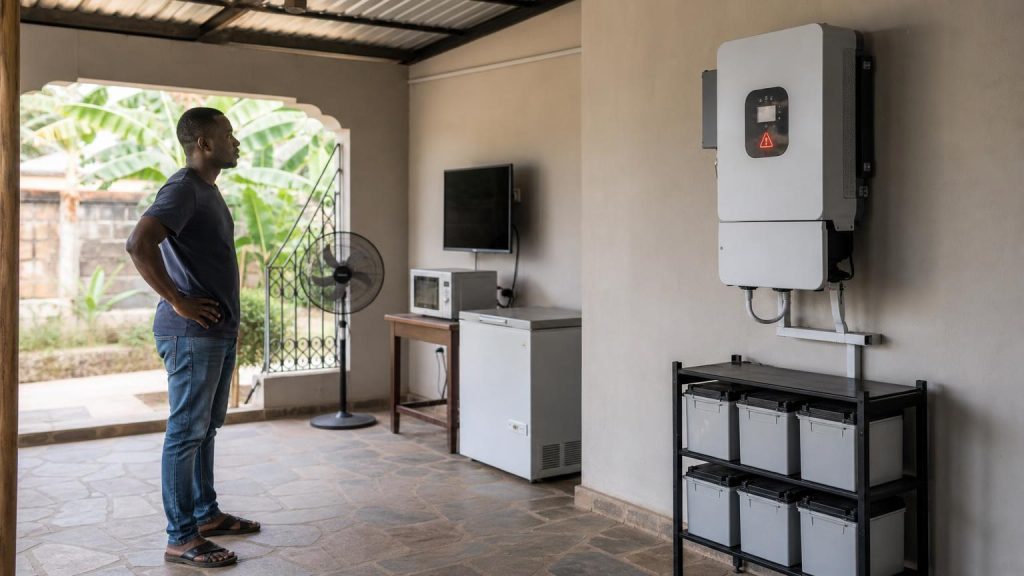
- Read the exact message. Note the alarm code, time, battery state, solar input and appliances that were running. A temperature alarm is different from a low-battery or overload alarm.
- Turn off non-essential loads. If it is safe to do so using normal appliance switches, remove heavy loads such as irons, kettles, water heaters, pumps, air conditioners and other large appliances. Do not keep restarting a hot unit under the same load.
- Give the inverter time to cool. Keep the equipment area clear and shaded. Do not pour water on the inverter, cover it with cloth or place a fan so close that it blows dust or moisture into the enclosure.
- Look without touching. From a safe position, check for direct sunlight, blocked vents, stored items, heavy dust, water entry, smoke, damaged insulation or signs of melting.
- Stop and call for help when the symptom is serious. Smoke, sparking, burning smell, hot cables, a swollen or leaking battery, repeated trips or water inside electrical equipment are not DIY checks.
Manufacturer manuals commonly instruct users to reduce the load or improve ventilation when high temperature causes a shutdown. The exact restart behaviour and alarm code differ by model, so use the manual for your inverter rather than copying a reset procedure from another brand.
Seven common causes of inverter overheating
1. The inverter is carrying a heavy load for too long
An inverter normally produces more heat as it delivers more power for longer. A system may run lights, fans, a television and a refrigerator comfortably, but become hot when an iron, microwave, freezer, pump or air conditioner is added to the same backed-up circuit.
Check both running load and starting demand. Motors and compressors can draw a short surge when they start. A load can look acceptable after adding the running watts while still placing unusual stress on the inverter during repeated starts. If the alarm appears only when several large appliances operate together, ask an installer to measure the actual load and confirm that the inverter, battery and cables are correctly matched.
2. Poor ventilation or blocked air movement
Many inverters use natural airflow, heat sinks or fans to move heat away from internal components. A unit installed inside a closed cabinet, tight store, wardrobe, under-stair space or crowded utility room may be unable to release that heat. Bags, cartons, curtains and cleaning materials placed over or beside the vents can create the same problem.
Do not guess the required clearance. Check the installation section of the exact manual. Some units need space above, below and at the sides; some require vertical mounting; and some are not designed for an enclosed cabinet without planned ventilation.
3. Direct sun and a hot equipment location
Putting an inverter where it receives direct afternoon sun can make the enclosure and internal components hotter than the surrounding air. A small room under a metal roof can also become much hotter than a shaded wall. In Nigeria, this matters during hot afternoons, especially when the inverter is already supplying a large load or charging a battery.
The remedy is not to improvise a cover around the inverter. Provide a dry, shaded, well-ventilated location that meets the manufacturer’s installation requirements. Any relocation, rewiring or new enclosure should be designed and carried out by a qualified installer.
4. Harmattan dust, insects or dirt in the cooling path
Dust can settle on vents, filters, heat sinks and fan areas. Fine Harmattan dust may be especially troublesome when the equipment room is near a dusty road, building work or an open window. Dirt can restrict airflow, make a fan work harder or cause a temperature rise even when the appliance load has not changed.
Only clean accessible external surfaces in the way the manual permits. Do not insert metal objects, spray liquid into vents or remove covers to clean the inside. Internal cleaning and fan inspection should be handled by a trained technician.
5. A cooling fan is dirty, stuck or failed
A fan may become noisy, run intermittently or stop completely. Some inverters use fans only above a certain temperature, so a fan that is silent at one moment is not automatically faulty. The better test is whether it starts when the inverter is working hard or when the manual says it should.
Do not put your fingers, paper or tools into a fan opening on an energised unit. A technician can inspect fan operation, airflow, dust filters, temperature sensors and fault history safely.
6. Loose, undersized or damaged cables and connections
Overheating is not always caused by the inverter’s internal electronics. A loose connection, poor crimp, undersized cable, damaged lug or high-resistance joint can create heat on the DC or AC side. This is particularly important because battery systems can deliver very high current. A hot terminal or cable can become a fire hazard even when the inverter casing does not feel unusually hot.
Do not tighten battery terminals or bypass a fuse because something feels hot. Switch-off and isolation procedures depend on the system design and should be performed by a qualified person.
7. Battery, charging or internal fault
Incorrect charging settings, excessive charging current, high battery temperature, communication problems or an internal component fault can also produce heat or trigger a protection message. The inverter may be working hard because the battery is not accepting charge normally, or because the system is repeatedly switching between operating modes.
In simple terms, the inverter may be getting hot because the battery is being charged incorrectly or because the battery itself has a problem.
Do not change lithium, GEL, AGM or tubular charging values at random. Battery chemistry, voltage, BMS communication and the inverter’s permitted settings must agree. If the overheating started after a battery replacement, firmware change, new panel installation or generator connection, tell the technician exactly what changed.
How to separate normal heat from a real problem
Use a pattern, not one touch test. Record the following for a few comparable operating periods:
| What to record | Why it helps |
|---|---|
| Time and weather | Shows whether the alarm appears only during a hot afternoon, after rain or during Harmattan dust. |
| Inverter operating mode | Separates solar charging, battery discharge, grid charging and generator operation. |
| Battery state and voltage shown | Helps identify whether charging or discharge conditions changed. |
| Running appliances | Shows whether the symptom follows a heavy or motor-driven load. |
| PV input and AC output | Shows whether the unit is derating, producing less power or shutting down. |
| Exact alarm code | Gives the technician a better starting point than “the inverter is hot.” |
For example, if the alarm appears every afternoon when an air conditioner and pump run together, load and ventilation should be checked first. If it appears with a small load in a cool, clear equipment area, a fan, sensor, connection or internal fault becomes more important to investigate. These are clues, not a final diagnosis.
What not to do
- Do not cover the inverter to reduce noise or keep dust away.
- Do not pour water on it or spray cleaning fluid through the vents.
- Do not remove the cover while batteries or solar panels may still be energising the system.
- Do not bypass a breaker, fuse, temperature sensor or other protection device.
- Do not keep resetting the inverter so it can continue under the same fault condition.
- Do not add a household fan as a permanent substitute for correct installation and ventilation.
- Do not assume the battery is bad or buy a new inverter before the load, airflow, cables and fault history have been checked.
What you can safely observe — and what needs a technician
Stay on the observation side unless you are a qualified technician. You can record what is happening without touching live electrical parts, while testing cables, charging current, fans or internal components requires the right procedure and equipment.
| You can safely check from a safe position | A technician should test |
|---|---|
| Direct sunlight or an unusually hot room | Cable size, cable connections and terminations |
| Blocked vents or stored items around the inverter | Battery charging current, voltage and BMS communication |
| The alarm code, operating mode and appliances running | Cooling-fan condition, temperature sensors and fault history |
| Obvious external dust, water entry, smoke or melting | Internal components, heat sinks and protection devices |
| Whether the problem follows a heavy load or a hot afternoon | Actual running load, starting surge and system derating |
If you see smoke, sparking, a burning smell, hot cables, a swollen or leaking battery, or water inside the equipment area, stop using the system and keep people away. Do not turn a visual check into a hands-on electrical test.
When you need a qualified technician
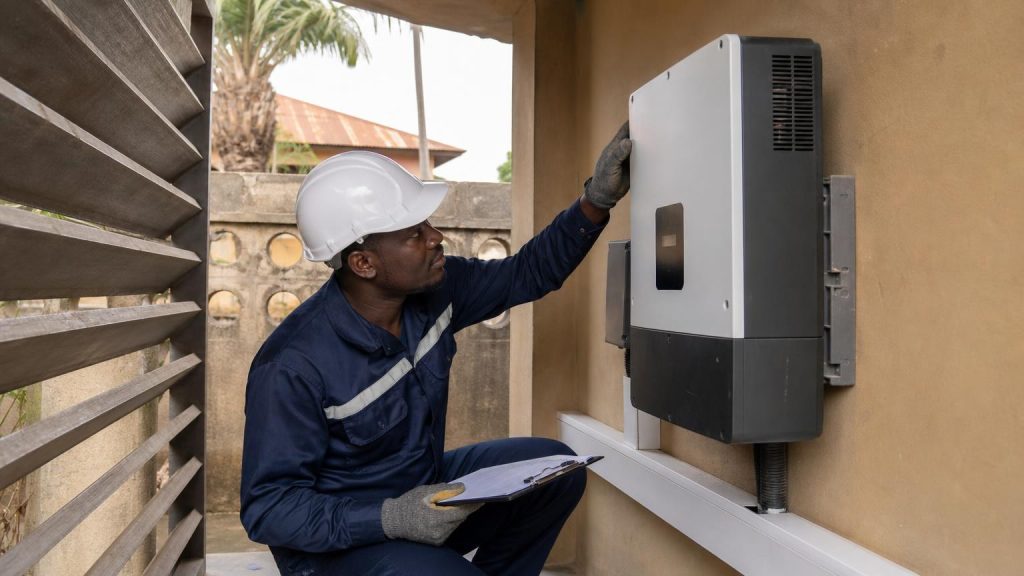
Arrange professional inspection if the temperature alarm repeats, the inverter derates or shuts down, the fan does not operate as expected, or the problem happens with a modest load. A qualified technician should check:
- Inverter model, installation clearances and operating-temperature limits
- Actual AC load, motor starting demand and backed-up circuit arrangement
- Fan operation, vents, filters, heat sinks and fault history
- Battery chemistry, voltage, charging current, BMS communication and temperature
- DC and AC cable size, terminations, fuses, breakers and signs of heat damage
- Solar input, generator or grid input and any recent changes to the system
Ask for the findings in writing. A useful report should identify the alarm code, measurements taken, suspected cause, safety risks, work completed and any remaining limitation. “We reset it” is not a complete overheating diagnosis.
Keep the inverter area cool, dry and serviceable
- Keep the inverter out of direct sun and away from leaking roofs or flood-prone areas.
- Keep vents and the space around the equipment clear; do not use the inverter room as storage.
- Inspect for Harmattan dust, insects, water entry and new shading after severe weather.
- Compare solar production and alarm history on similar clear days rather than judging from one cloudy day.
- Service fans, filters, cables and protection according to the equipment manuals and the installation environment.
- Recheck the system after adding a freezer, pump, air conditioner, shop equipment or other major load.
For broader maintenance planning, see How Often Should I Service a Solar Inverter and Battery System in Nigeria? If the alarm is accompanied by repeated beeping, read Why Is My Solar Inverter Beeping? If panels are producing less than expected, use Why Are My Solar Panels Producing Low Power? as a related check. If water has reached the equipment, see What Should I Do If My Solar Inverter or Battery Gets Wet in Nigeria?
Final checklist
- Did I record the exact alarm code and what appliances were running?
- Have I reduced non-essential loads instead of repeatedly restarting the hot inverter?
- Is the inverter shaded, dry and installed with the clearances stated in its manual?
- Are vents, fans and filters free from obvious dust or stored items without opening the unit?
- Did the symptom begin after a new battery, panel, generator, appliance or settings change?
- Are any cables, breakers, terminals or batteries hot, damaged, swollen, wet or discoloured?
- Have I arranged qualified help if the warning repeats or the cause is not obvious?
Bottom line
An overheating solar inverter is a symptom, not a diagnosis. It may be reacting to heavy sustained load, Nigerian heat, direct sun, blocked airflow, Harmattan dust, a failed fan, a bad connection, a battery or charging problem, or an internal fault. Reduce the load, keep the area clear and observe the exact warning from a safe position. Do not open the equipment or bypass protection.
If the problem repeats, get the complete system checked—not only the inverter screen. The right repair is the one that addresses the measured cause and keeps the inverter, battery, cables, protection and loads within their safe operating limits.