Last reviewed: September 25, 2026
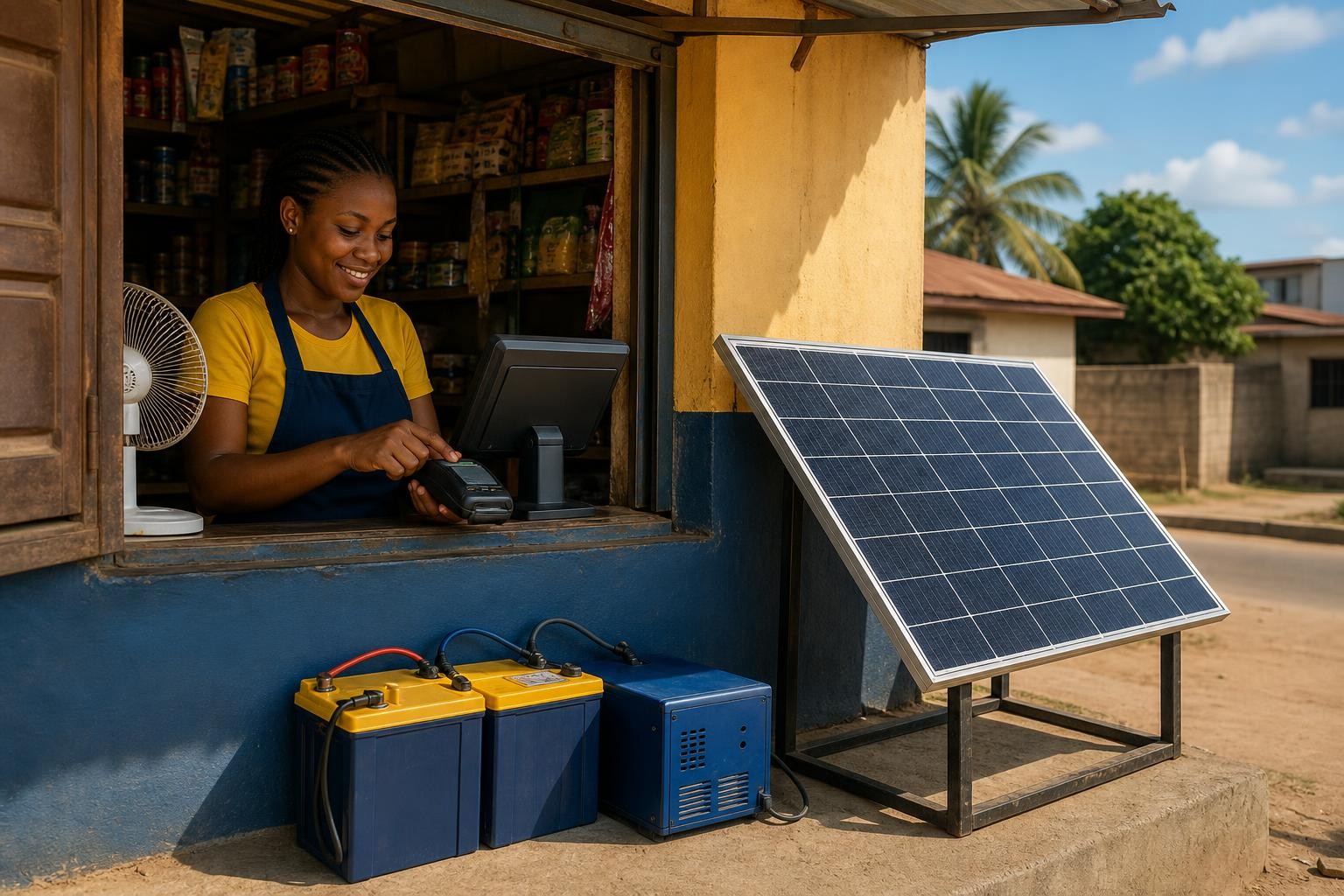
A small Nigerian POS shop usually does not need a large whole-building solar system. If the shop only runs POS terminals, phone charging, lights, a router or 4G device, CCTV and a small fan, a practical starting point may be an inverter in the 1–2 kVA range, about 1.5–2 kWh of usable battery energy, and roughly 500–700 W of solar panels. That is a planning range, not a fixed package.
The correct size depends on the equipment you use at the same time, how many hours the shop must operate during an outage, whether you want to charge customers’ phones, and whether you also want to run a refrigerator, freezer, television, printer or other motor-driven appliance. A POS terminal itself may use little power; the combined daily energy and the need for reliable service usually determine the system.
Short answer: start by sizing the shop’s critical loads, not by choosing a 3kVA or 5kVA inverter because another business uses one. Measure the running watts, estimate the hours, allow for battery and inverter losses, then check starting or surge demand before accepting a quotation.
What should a small POS solar system run?
Make two lists before asking for a price. The first is the equipment that must remain available for transactions. The second is equipment that is useful but can be switched off when the battery is low.
| Priority | Typical POS-shop load | Why it matters |
|---|---|---|
| Critical | POS terminals, phone charging for the operator, one or two LED lights, router or 4G device | These keep transactions and basic visibility available |
| Important | CCTV, small fan, receipt printer, laptop or small monitor | Useful for comfort, records and security, but not all must run continuously |
| Optional | Customer phone-charging rack, television, sound system, large fan | These can use more energy than the POS equipment itself |
| Heavy or separate | Fridge, freezer, pressing iron, heat appliance, water pump or air conditioner | These may need a larger inverter and have starting or heating demand |
Do not assume that a POS shop has a small load simply because the terminals are small. A business that charges 10 phones, runs a fan all afternoon and keeps a refrigerator cold has a very different energy requirement from an agent who operates two terminals and one LED bulb.
Also separate a power problem from a network problem. Solar can keep the terminal, phone and router powered, but it cannot fix a failed bank or agent-banking network, poor mobile coverage or a transaction service outage. A practical business plan may need more than one network option as well as backup electricity.
A realistic load example
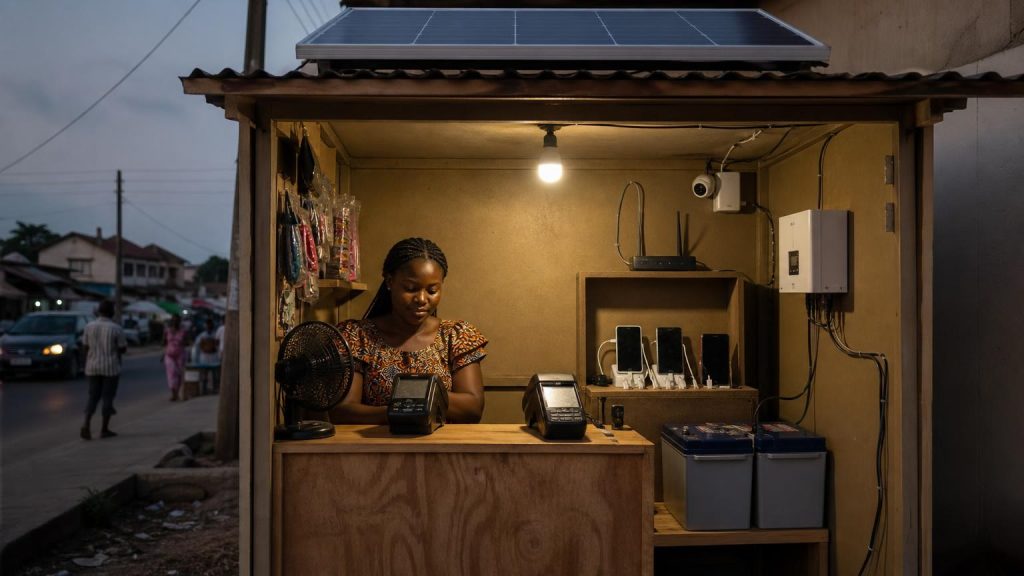
The table below is an illustration for a small roadside or neighbourhood POS kiosk. Replace every allowance with the actual nameplate rating or a plug-in energy meter reading where possible.
| Equipment | Planning load | Example operating time | Example energy |
|---|---|---|---|
| Two POS terminals | 20 W combined | 8 hours | 160 Wh |
| Operator phone charging | 20 W average | 6 hours | 120 Wh |
| LED lighting | 15 W | 8 hours | 120 Wh |
| Router or 4G device | 10 W | 8 hours | 80 Wh |
| CCTV and recorder | 20 W | 8 hours | 160 Wh |
| Small fan | 45 W | 6 hours | 270 Wh |
| Illustrative total | about 130 W when all listed loads run | about 910 Wh, or 0.91 kWh |
This example does not include a customer phone-charging rack, printer, television, freezer or air conditioner. It also assumes the equipment does not run at full power every minute. For a safer design, add room for charging losses, inverter consumption, hotter conditions, battery ageing and periods when several loads operate together. Planning around 1.2–1.5 kWh of delivered energy for this example would be more sensible than buying exactly 0.91 kWh of nominal battery capacity.
For the inverter, the simultaneous running load in this example is modest. A properly selected pure-sine inverter in the 1–2 kVA class may be sufficient, but the final choice must be checked against the actual appliance watts, battery voltage, inverter continuous output and any starting load. If you add a fridge or freezer, do not use this simple example; compressor starting demand can change the inverter requirement.
How much battery does the shop need?

Battery size is mainly an energy question: how many kilowatt-hours must be delivered while public power is unavailable? Inverter size is mainly a power question: how many watts must run at the same time, including any starting surge?
For lithium batteries, ask for the rated and usable capacity in kWh. A quote that says “2 kWh lithium battery” should also make clear whether 2 kWh is the nominal rating or the usable energy at the stated discharge limit.
For tubular, GEL and AGM batteries, use Ah together with voltage. For example, one 12 V 200 Ah battery has about 2.4 kWh of nominal energy before considering the recommended depth of discharge, voltage behaviour, inverter losses, temperature and age. A conservative planning assumption of 50% usable depth of discharge and about 85% inverter efficiency would leave roughly:
12 V × 200 Ah × 50% × 85% = about 1.02 kWh delivered AC energy
That is an illustration, not a guarantee for every battery. Two such batteries connected as a 24 V, 200 Ah bank have about 4.8 kWh nominal energy and roughly 2.0 kWh under the same conservative assumptions. The battery model, charging rate, maintenance, temperature and discharge current can change the result.
This is why “one 200Ah battery” is not enough information for a POS-shop quote. Check the voltage, chemistry, quantity, usable energy, discharge limit and the inverter’s minimum battery requirement. SolarPriceNG’s guide to checking whether the battery capacity on a solar quote is correct explains the same calculation in more detail.
How many solar panels are needed?
The panels must do two jobs:
- Supply the shop’s daytime loads while the sun is available.
- Replace the battery energy used during outages, evening operation or poor grid supply.
A simple planning formula is:
Required solar watts ≈ daily energy needed ÷ (design sun-hours × overall system factor)
Suppose the shop needs 1.2 kWh per day, you use four effective sun-hours as a design assumption for an initial estimate, and you allow 75% for temperature, dust, wiring, controller, inverter and other losses:
1.2 kWh ÷ (4 × 0.75) = 0.4 kW, or about 400 W of panels
In practice, a small shop may choose something closer to 500–700 W so that the panels can serve daytime loads and still recharge the battery. The right number depends on location, roof direction, shade, Harmattan dust, rain, heat, the battery’s maximum charge current and the inverter’s permitted PV input. Do not add panels simply because there is empty roof space; first check the inverter’s maximum PV voltage, current and wattage.
Solar output is not constant throughout the day. A panel’s nameplate rating is a laboratory or test-condition value, not a promise that the panel will deliver that wattage for every hour. Use local measurements or a site-specific design when the shop cannot afford an afternoon or evening service interruption.
Three common POS-shop system sizes
These are useful starting categories, not ready-to-buy packages.
| Shop profile | Likely critical loads | Possible starting range | Main caution |
|---|---|---|---|
| Basic agent point | Two terminals, one phone, light and router | About 1 kVA inverter, 1–1.5 kWh usable battery, 300–500 W PV | Keep phone charging and fan use controlled |
| Busy small kiosk | Several terminals, phone charging, lights, router, CCTV and fan | About 1.5–2 kVA inverter, 1.5–2.5 kWh usable battery, 500–800 W PV | Measure the charging rack; it can dominate energy use |
| POS shop with refrigeration | POS equipment plus fridge or freezer | Needs a separate load and surge assessment; may require a larger inverter and battery | Compressor starting current and daily energy must be verified |
Do not treat the table as a substitute for a load survey. A “small” refrigerator can run for many hours, and a customer charging service can add more daily energy than the terminals. If you are unsure which appliances deserve backup first, use the critical-load approach in the guide to keeping only critical appliances running during a blackout.
What can make the first estimate wrong?
Customer phone charging
Charging phones may look like a small extra service, but many phones charging together can run for hours. Count the number of ports, estimate the average watts and record the busiest period. If the charging rack is optional, connect it to a lower-priority circuit that can be switched off when the battery reaches its reserve level.
Fans and refrigeration
A fan adds steady energy use. A fridge or freezer adds compressor starting demand and may cycle throughout the day. Do not size the inverter from the running wattage printed on the appliance alone; ask the installer to check starting demand and the inverter’s surge rating.
Short outages versus all-day outages
A battery sized for two or three hours of essential backup is not the same as one designed for an entire business day. Decide whether the POS shop needs to continue operating through a brief DisCo outage, a long evening outage, or a full day with little solar recovery.
Insufficient solar recovery
A large battery does not solve a small-panel problem. If the shop uses more energy than the panels can replace, the battery will start the next outage partly empty. SolarPriceNG’s comparison of adding panels versus adding a bigger battery helps identify which limitation you are actually facing.
What to ask for in a POS solar quotation
- A list of every appliance included and excluded.
- The running watts and estimated daily hours for each load.
- The highest simultaneous load and the expected starting or surge load.
- Inverter continuous watts, surge watts, battery voltage and minimum battery size.
- Battery chemistry, nominal capacity and usable energy at the stated discharge limit.
- Solar-panel total wattage, panel electrical ratings and the inverter’s PV voltage and current limits.
- Expected backup time for the critical loads, with the assumptions written down.
- Protection devices, isolators, earthing, cabling, changeover equipment and installation labour.
- What happens when the battery is low and how the shop will be protected from overload.
Do not choose the cheapest quote only by comparing the final naira figure. An apparently cheap quote may omit protection, mounting, cables, installation, a suitable battery bank or the equipment needed to separate public power, generator and inverter circuits. Use SolarPriceNG’s solar-quote checklist before paying a deposit.
Safety and business continuity
Do not connect an inverter or generator into a wall socket, join power sources with improvised cables, bypass a breaker or mix batteries that are not designed to work together. A POS shop may be small, but its system still needs correctly rated cables, fuses or breakers, isolators, earthing and a proper changeover or transfer arrangement.
Keep the inverter and battery in a dry, ventilated location away from customer access, water, excessive heat and combustible storage. A qualified installer should verify polarity, cable sizing, battery protection, PV isolators and the backup circuits before handover.
For business continuity, keep a record of the battery state of charge, unusual alarms and weekly energy problems. If the shop loses power earlier than expected, first check the actual load and solar recovery before buying a larger battery. You may have added a charging rack, fan or refrigerator without noticing how much energy it uses.
Bottom line
A small Nigerian POS shop that runs only essential electronics may start with roughly a 1–2 kVA inverter, 1.5–2 kWh of usable battery energy and 500–700 W of panels. That range can be reasonable for terminals, lighting, networking equipment, CCTV, phone charging and a modest fan, but it is not a universal package.
The safest way to buy is to write down the actual loads, calculate daily energy, separate power from energy, allow for losses and confirm the inverter’s surge and PV limits. If you add refrigeration, heavy appliances or a large phone-charging service, redesign the system rather than simply increasing one number. A well-sized critical-load system is usually more useful for a POS business than an oversized inverter with too little usable battery or too few panels to recharge it.
Technical references
- U.S. Department of Energy: Solar Integration and Solar Energy Storage Basics — explains the difference between battery power capacity and energy capacity, and why storage and solar output are not 100% efficient.
- NREL PVWatts — a site-specific estimation tool that accounts for solar resource, system losses, inverter efficiency and array details.
- Victron Energy inverter sizing guidance — explains why continuous load, startup surge and battery capability all matter when choosing an inverter.